
Photo Booths - Guide
Buy or Rent a Photo Booth:
What's the Difference, and What Choices Do You Have?
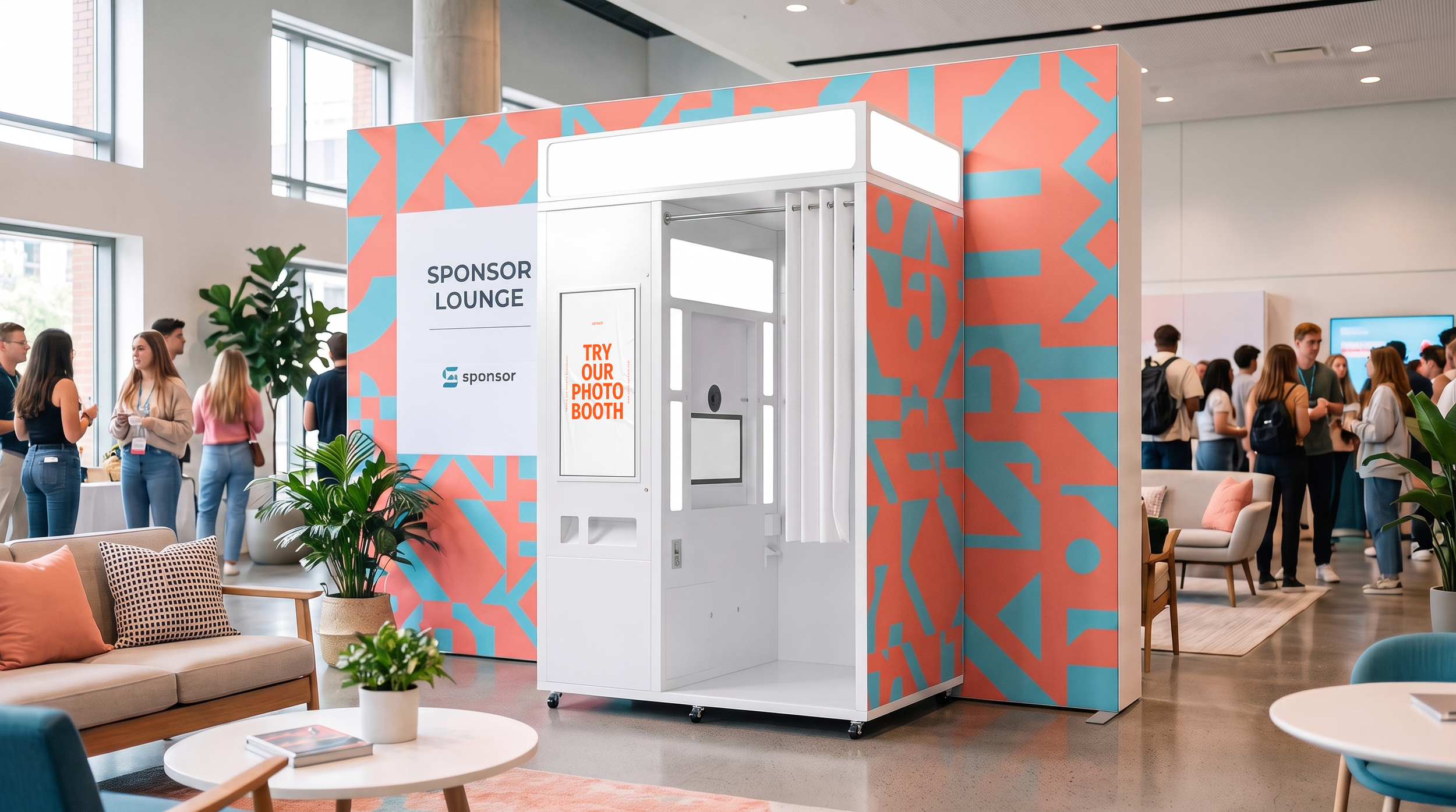
You’re comparing the photo booths in the store and looking for the differences. The same two questions always come up. Do the booths differ in terms of software? No. Every UpReach photo booth runs the same software with the same features. What can you customize? Six configuration options for each booth, whether you’re buying or renting. You choose the design in the store.
This guide covers the rest.
What sets UpReach photo booths apart?
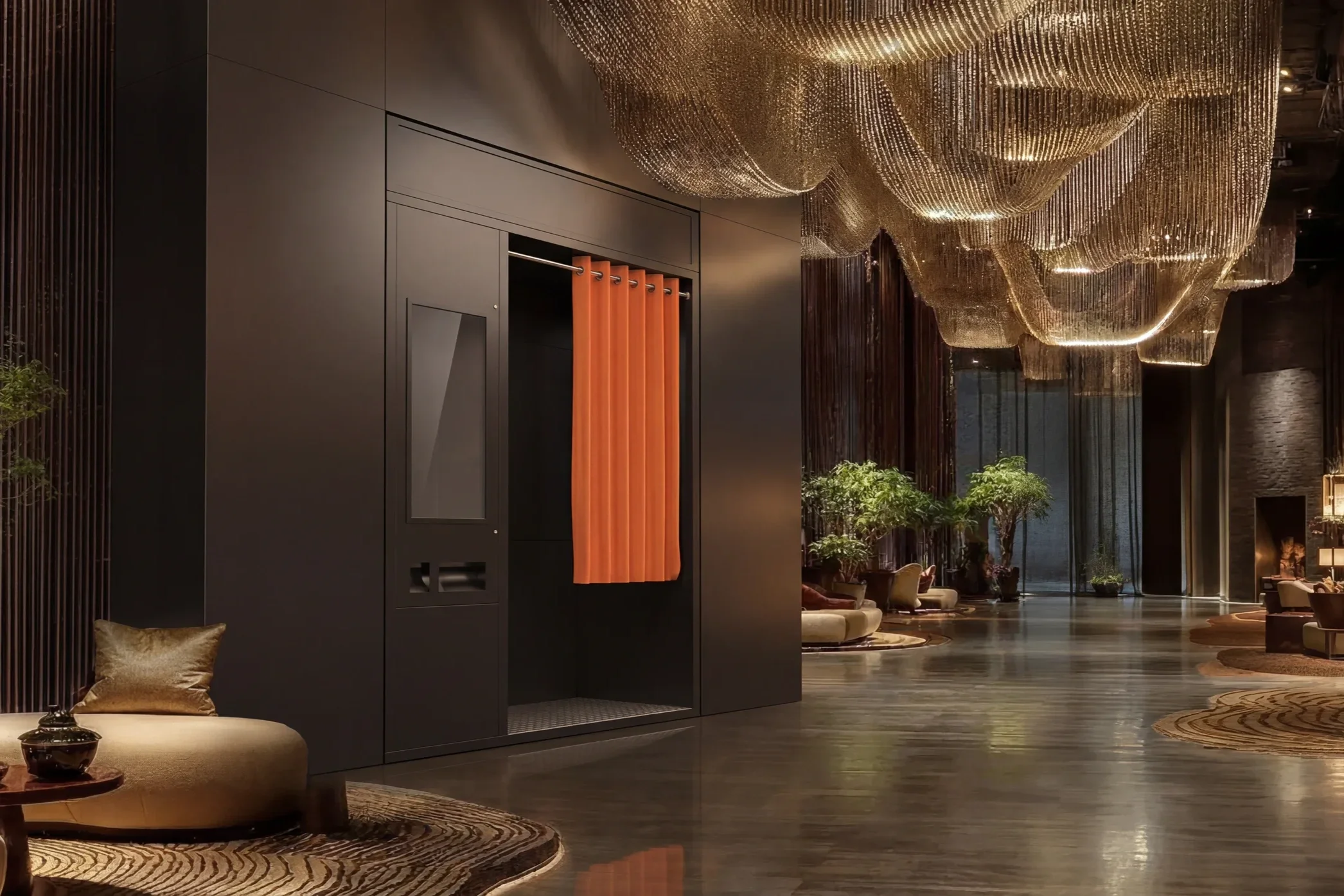
UpReach photo booths differ in design, not in software. Every booth runs the same UpReach software with the same features. You choose the following features yourself:
Bench
Curtains
Card Reader
Outdoor Coating
Camera Module
Printer Module
Wrapping
These options apply to all cabins, whether purchased or rented.
You don't need to compare features.
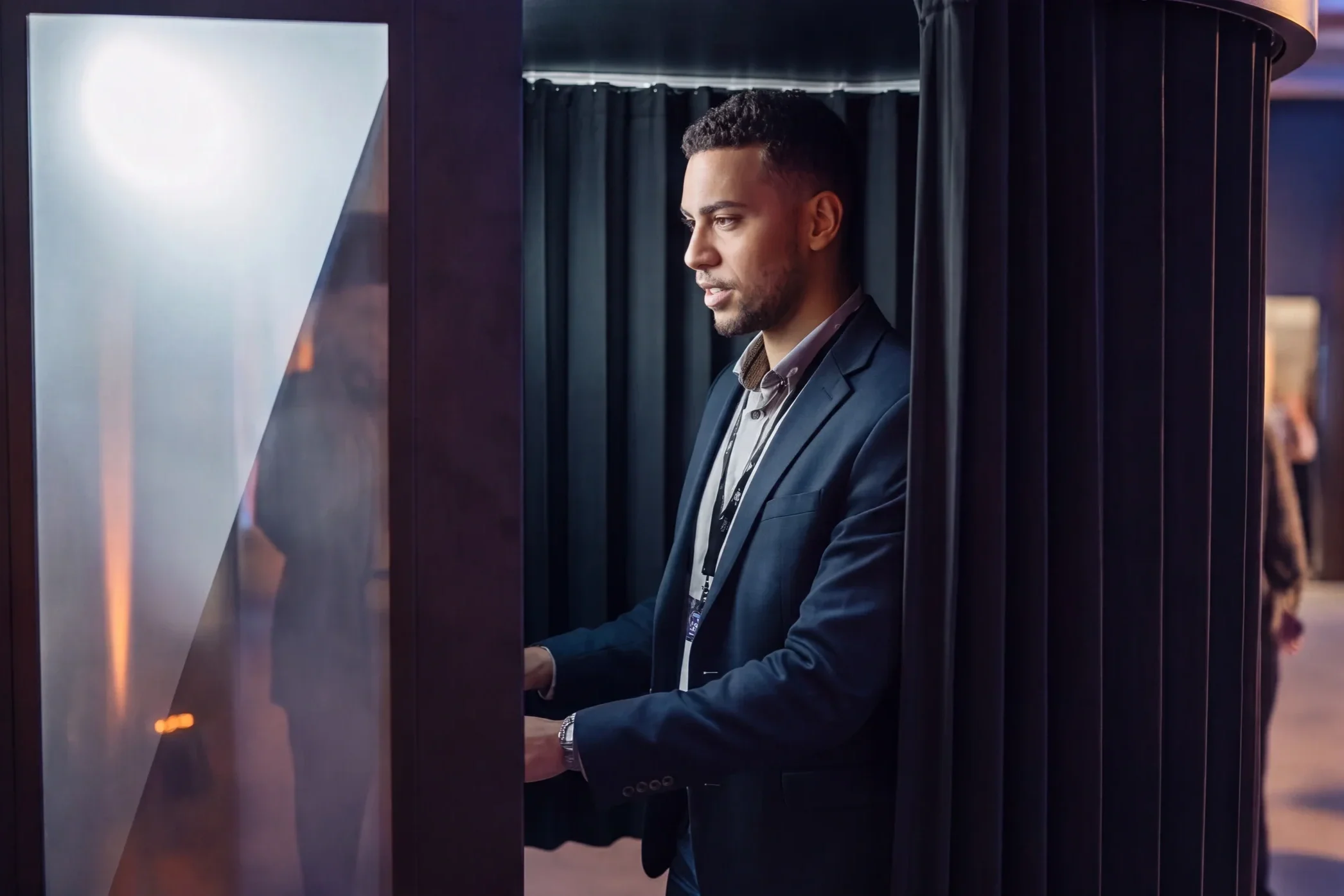
People who compare photo booths are usually looking for the model with the most features. With UpReach, this comparison only costs you time. The features are the same in every booth because the software is the same in every booth. There are only a few decisions to make.
-
In the store, you'll find everything you need to know about design. There, you can view each booth and choose the look that fits your space and your brand.
-
Bench
Curtains
Card Reader
Outdoor Coating
Camera Module
Printer Module
Wrapping
The same software in every photo booth:
Every photo booth can do that.
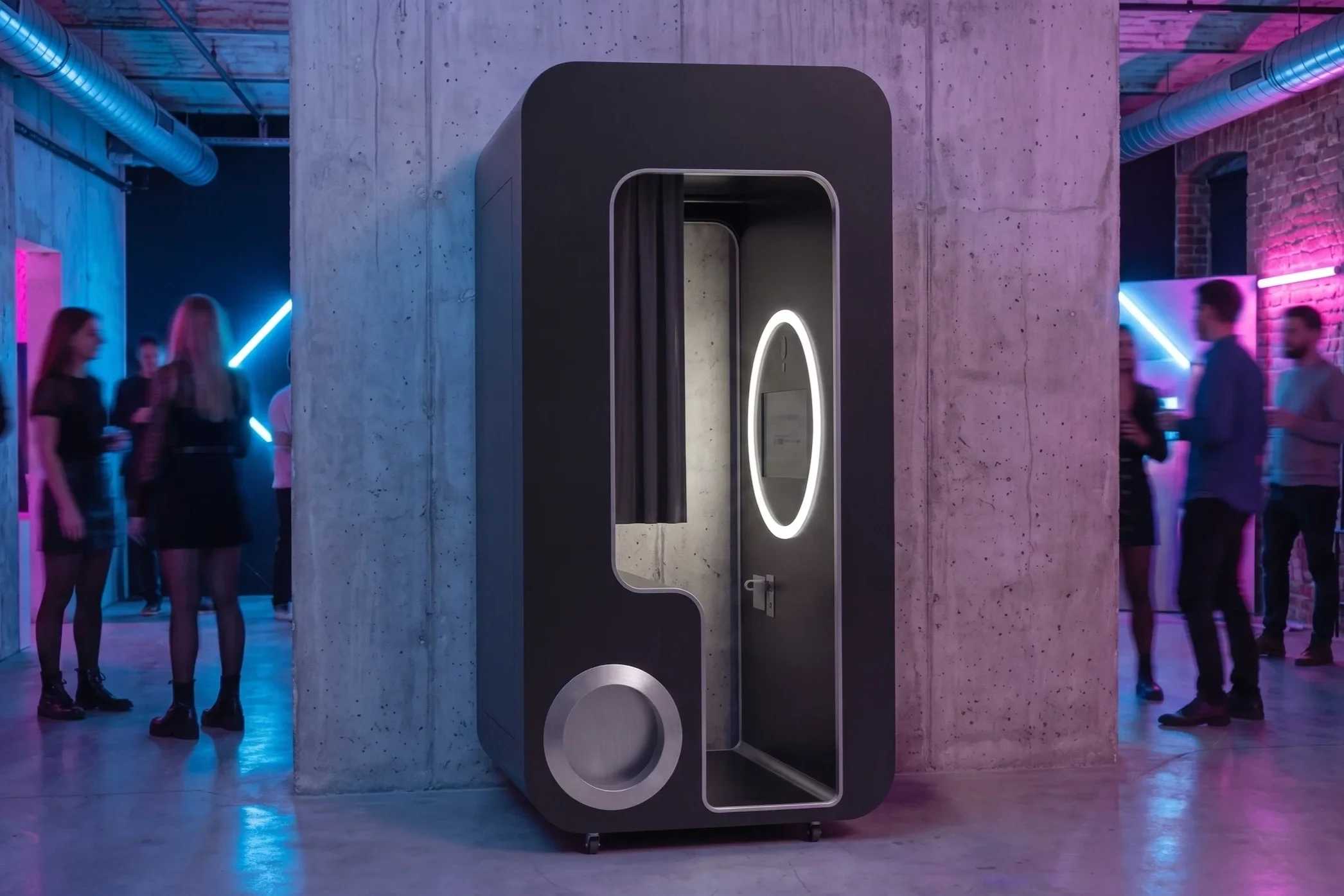
UpReach develops the photo booth software in-house. Every booth runs the same version of the software. No booth has a stripped-down version. If you choose a different design later, the user interface and workflows will remain the same.
-
If desired, the software can adjust exposure, color, and sharpness immediately after the photo is taken. You don't need any staff for post-processing.
-
The latest generation of AI features is integrated into the software. You can specify which filters users see for each campaign.
-
The software removes people from the background and uses your background instead. There's no need for a physical green screen.
-
All steps in the user flow, image frames, and print layouts follow your brand design. Users see your interface. The software is 100% white-label.
-
Users can download their photo to their smartphone right away. Printing is an option, not a requirement. Your customers can also take advantage of real-time email delivery and payment features that support all major payment methods.
-
You can view your cabin's usage statistics on the dashboard. Updates are delivered remotely, without the need for on-site technicians.
Equipment Options
Bench & Curtains
a) A bench may be included, but is not required. With a bench, users sit in front of the camera. Without a bench, there is more space to stand. b) Curtains are installed upon request. With curtains, users remain undisturbed. Without curtains, people outside can watch.
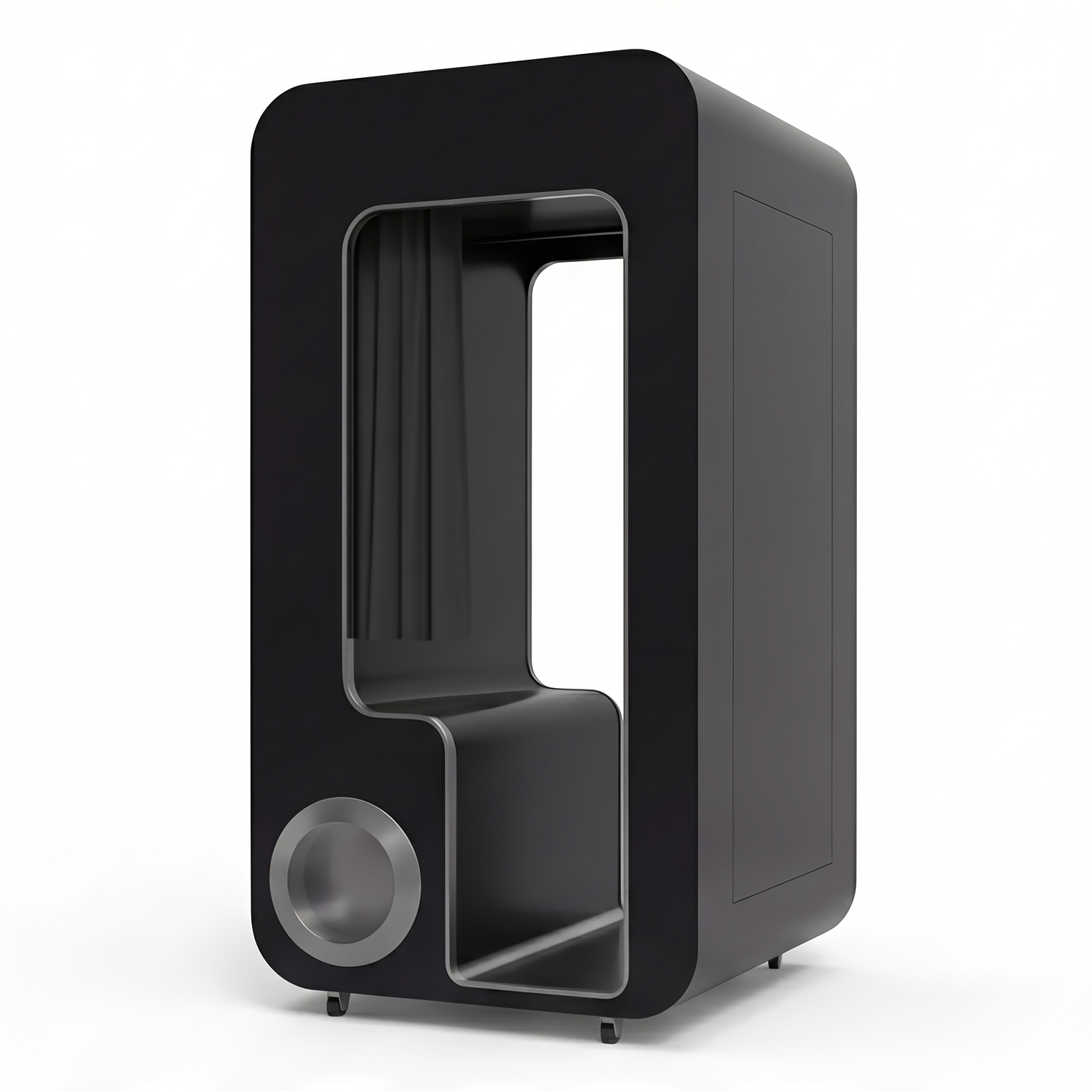
Wrapping
Branding for the entire cabin can be custom-made at any time. Just send us your desired design, and we'll take care of the rest.
Payment Methods
A card reader, QR code payment system, and coin or bill acceptors can be installed upon request. This allows users to pay at the booth using all common payment methods.
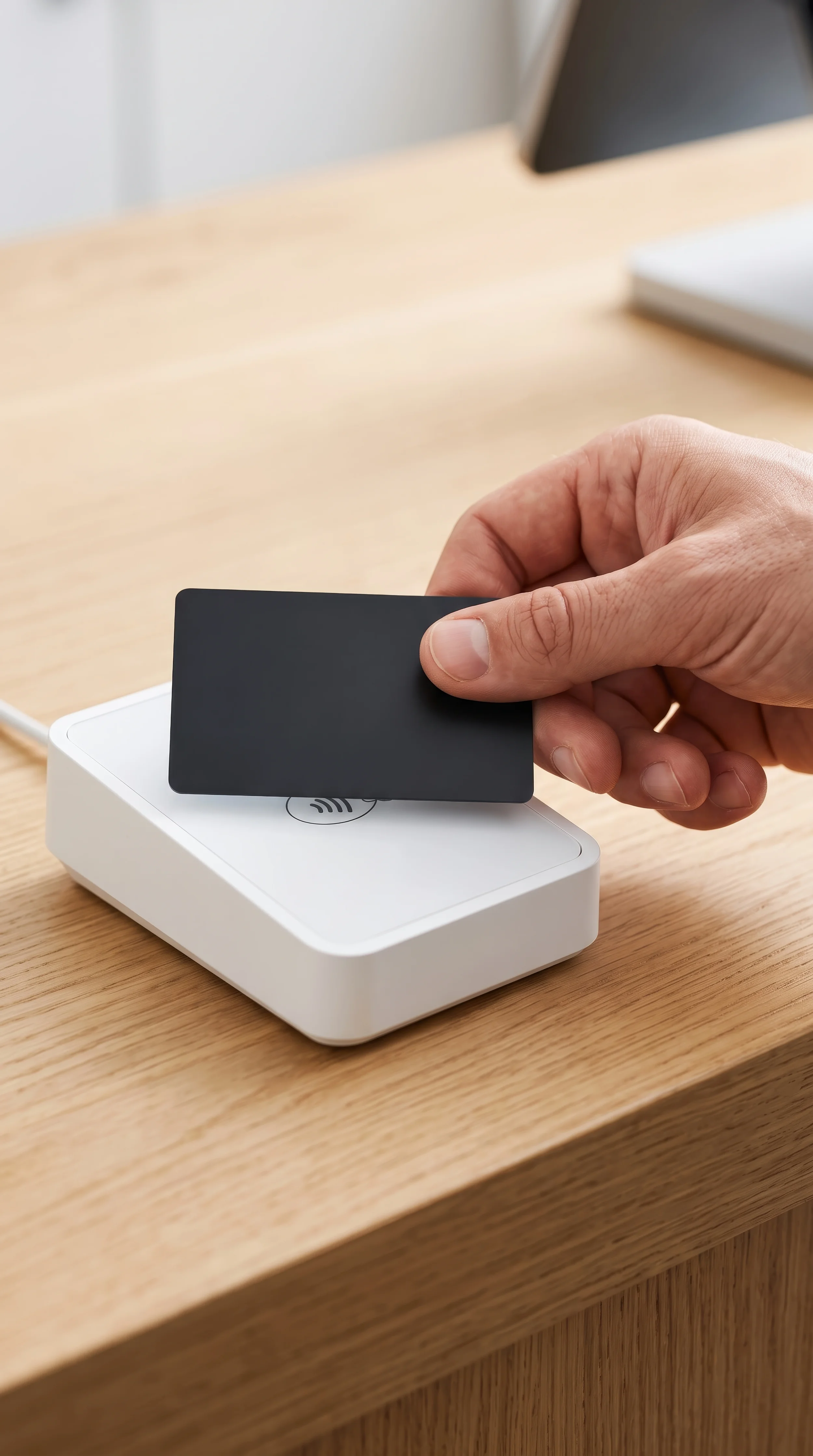
Outdoor Adjustments
There are special coatings and construction methods designed for outdoor use. Tell us the location and intended applications, and we’ll tailor the production accordingly.

Camera
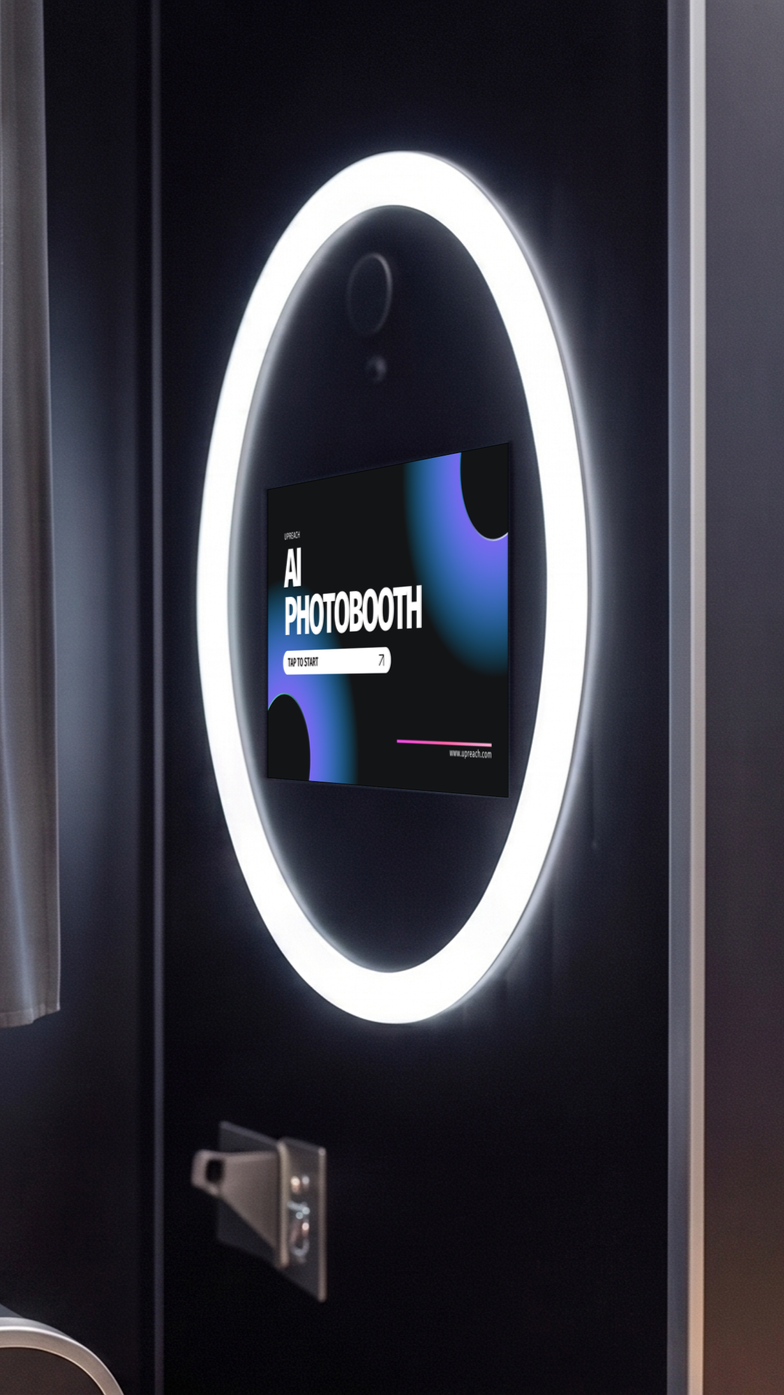
The camera module is customizable. It is tailored to your project. We can install DSLR, DSLM, or 4K streaming cameras and adapt flexibly to our customers' specific needs.
Printer
The printer depends on the project. The enclosure is designed to accommodate various printer modules. You are not limited to a single device.
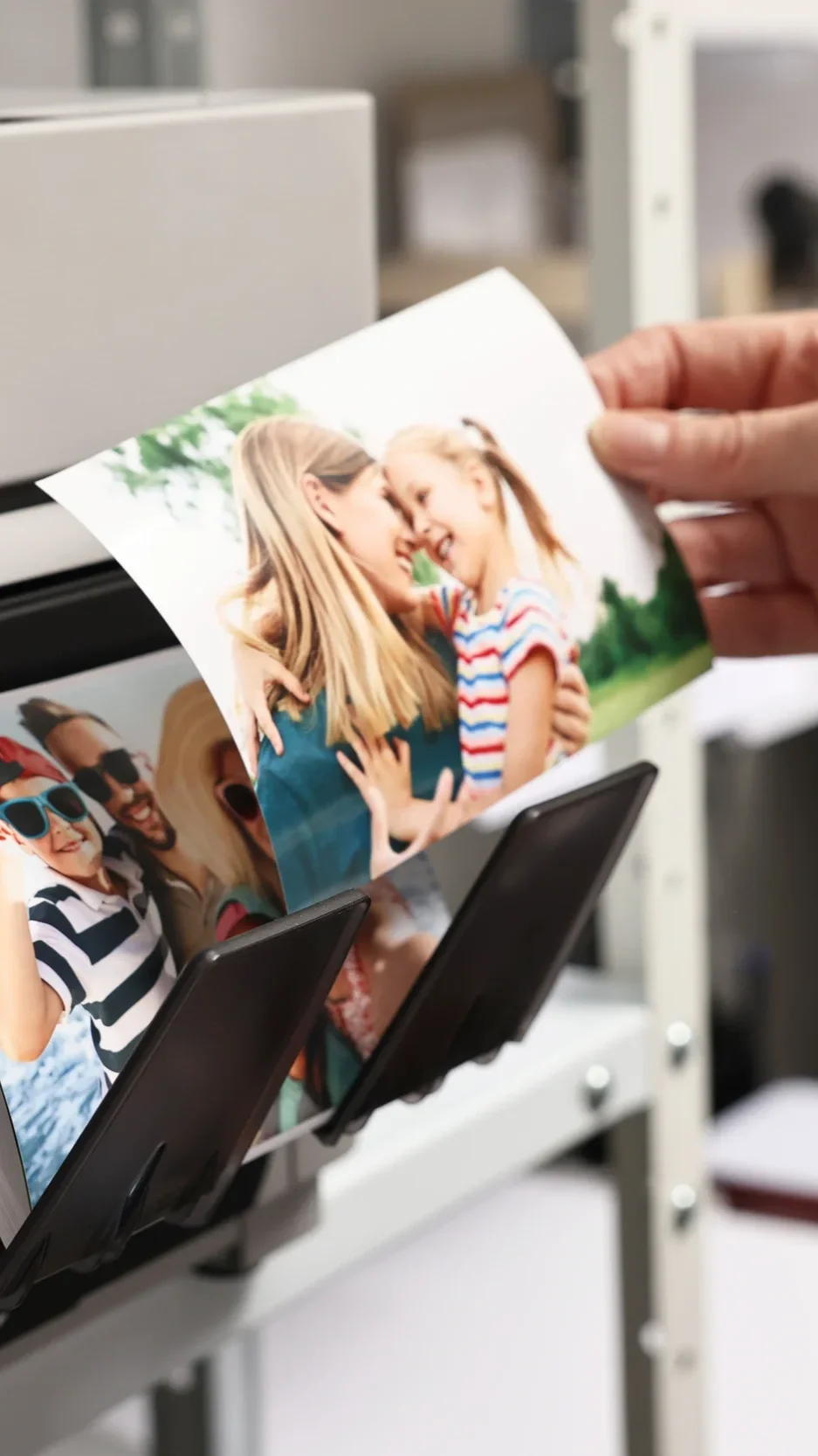
Electricity consumption
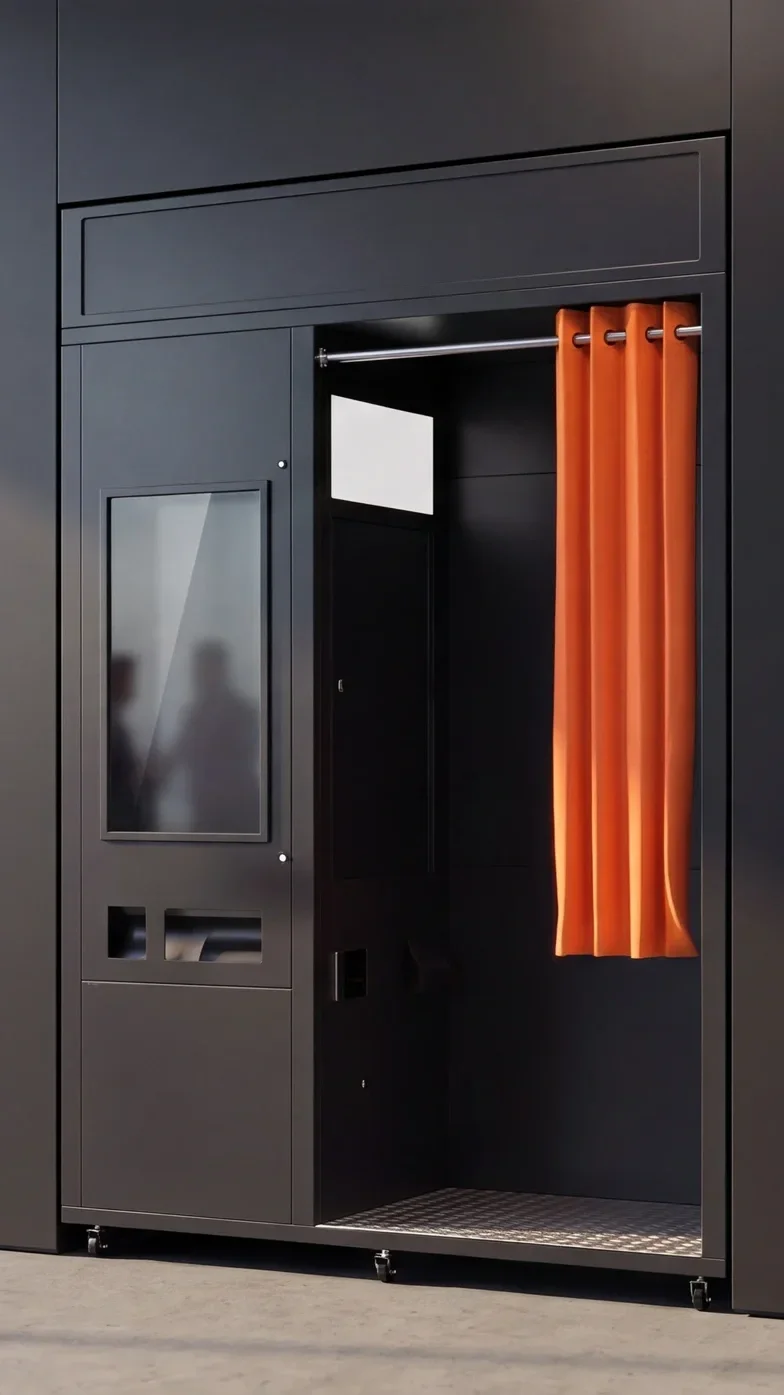
An UpReach photo booth consumes an average of approximately 193 W with a 32-inch screen and approximately 233 W with a 43-inch screen. That amounts to approximately 1.9 kWh and approximately 2.3 kWh, respectively, per 10-hour operating day. A standard electrical outlet is sufficient.
The values for each component help estimate operating costs and ensure compatibility with the location. Component | Power Consumption | Per Hour | Per Day (10 h)
• 32-inch touchscreen | approx. 50 W | 0.05 kWh | 0.50 kWh |
• 43-inch touchscreen | approx. 90 W | 0.09 kWh | 0.90 kWh |
• Dye-sublimation printer, 300 prints | approx. 290 W during printing, approx. 15 W on standby | 0.05 kWh (average) | 0.49 kWh |
• 10 dimmable LED modules, 30 cm each | approx. 6 W per module, 60 W total at 100% | 0.06 kWh | 0.60 kWh |
• Mini PC (Windows 11 or Android) | approx. 30 W on average (10 to 65 W) | 0.03 kWh | 0.30 kWh |
• 4K webcam (USB) | approx. 4 W | 0.004 kWh | 0.04 kWh
• **Total for 32-inch** | **approx. 193 W on average** | **approx. 0.19 kWh** | **approx. 1.9 kWh** |
• **Total for 43-inch** | **approx. 233 W on average** | **approx. 0.23 kWh** | **approx. 2.3 kWh** |
Assuming a 10-hour operating day: 300 prints per day with an approximate print time of 15 seconds per print. This results in 1.25 hours of printing and 8.75 hours of standby time. LEDs set to 100%. All values are approximate. They are calculated based on typical manufacturer data sheets and do not represent measurements taken on an UpReach pod. The actual configuration of your pod may vary.
Calculation Example
Sample calculation based on an assumed electricity price of 0.30 EUR/kWh. Your own rate applies.

Available with a 32-inch or 43-inch touchscreen.

• Per operating day (10 hours) | approx. 0.58 EUR | approx. 0.70 EUR
• Per month (26 operating days) | approx. 50 kWh, approx. 15 EUR | approx. 61 kWh, approx. 18 EUR |